
Security & Malware Defense
Inspect and validate data before vaulting and before restoration with EchoLeaf SafeRoom™ security controls.
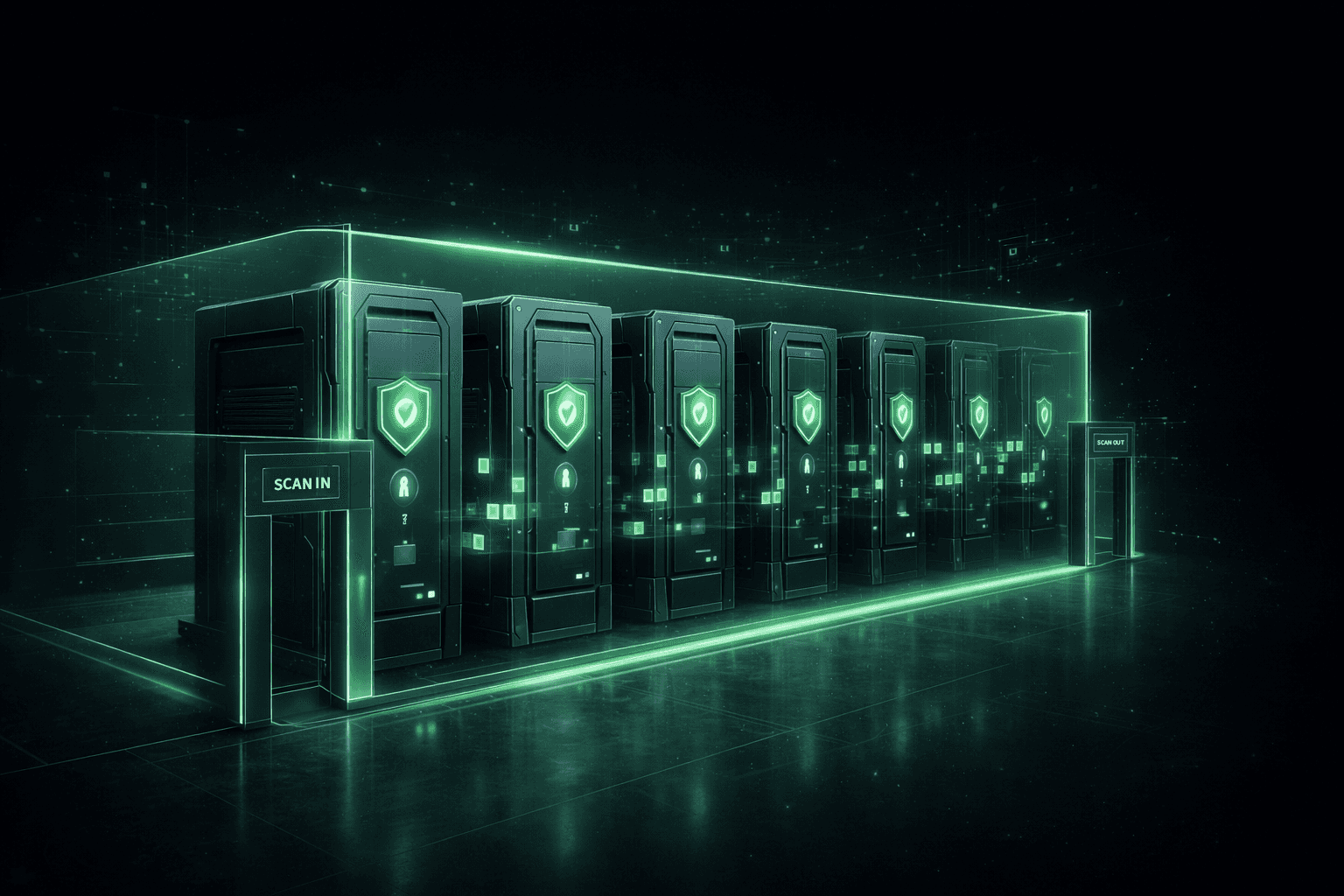

Backups are often infected before anyone knows an attack is in progress. Traditional systems simply copy malware into the archive and then restore it back into production. EchoLeaf introduces security controls around the archive itself, so your last line of defense is actually clean.
Backups are often infected before anyone knows an attack is in progress. Traditional systems simply copy malware into the archive and then restore it back into production. EchoLeaf introduces security controls around the archive itself, so your last line of defense is actually clean.
Key Capabilities

Dynamic Shield™
Dynamic Shield™ protects the EchoLeaf SafeRoom™ archive by monitoring for suspicious activity. If indicators of exfiltration or compromise are detected, Dynamic Shield can disconnect the archive from external systems to prevent data from leaving the vault.
Dynamic Shield™
Dynamic Shield™ protects the EchoLeaf SafeRoom™ archive by monitoring for suspicious activity. If indicators of exfiltration or compromise are detected, Dynamic Shield can disconnect the archive from external systems to prevent data from leaving the vault.
Guardian Scan™
Guardian Scan™ provides integrated malware and virus scanning on every file entering or leaving the archive. Files are scanned on write and again on restore, which reduces the risk that dormant malware will be reintroduced into your environment.
Guardian Scan™
Guardian Scan™ provides integrated malware and virus scanning on every file entering or leaving the archive. Files are scanned on write and again on restore, which reduces the risk that dormant malware will be reintroduced into your environment.
Restore to Quarantine Area
Routes suspicious, unknown, or policy‑violating files into an isolated, read‑only sandbox. Security and IT teams can inspect these items safely and decide whether to clean, delete, or release them into production.
Restore to Quarantine Area
Routes suspicious, unknown, or policy‑violating files into an isolated, read‑only sandbox. Security and IT teams can inspect these items safely and decide whether to clean, delete, or release them into production.
Security inside SafeRoom
All of these controls work within the EchoLeaf SafeRoom™ architecture, which keeps the archive physically separated from production systems while still accessible for controlled, validated recovery.
Security inside SafeRoom
All of these controls work within the EchoLeaf SafeRoom™ architecture, which keeps the archive physically separated from production systems while still accessible for controlled, validated recovery.

Security & Malware Defense
See Security & Malware Defense in EchoLeaf Sentry™
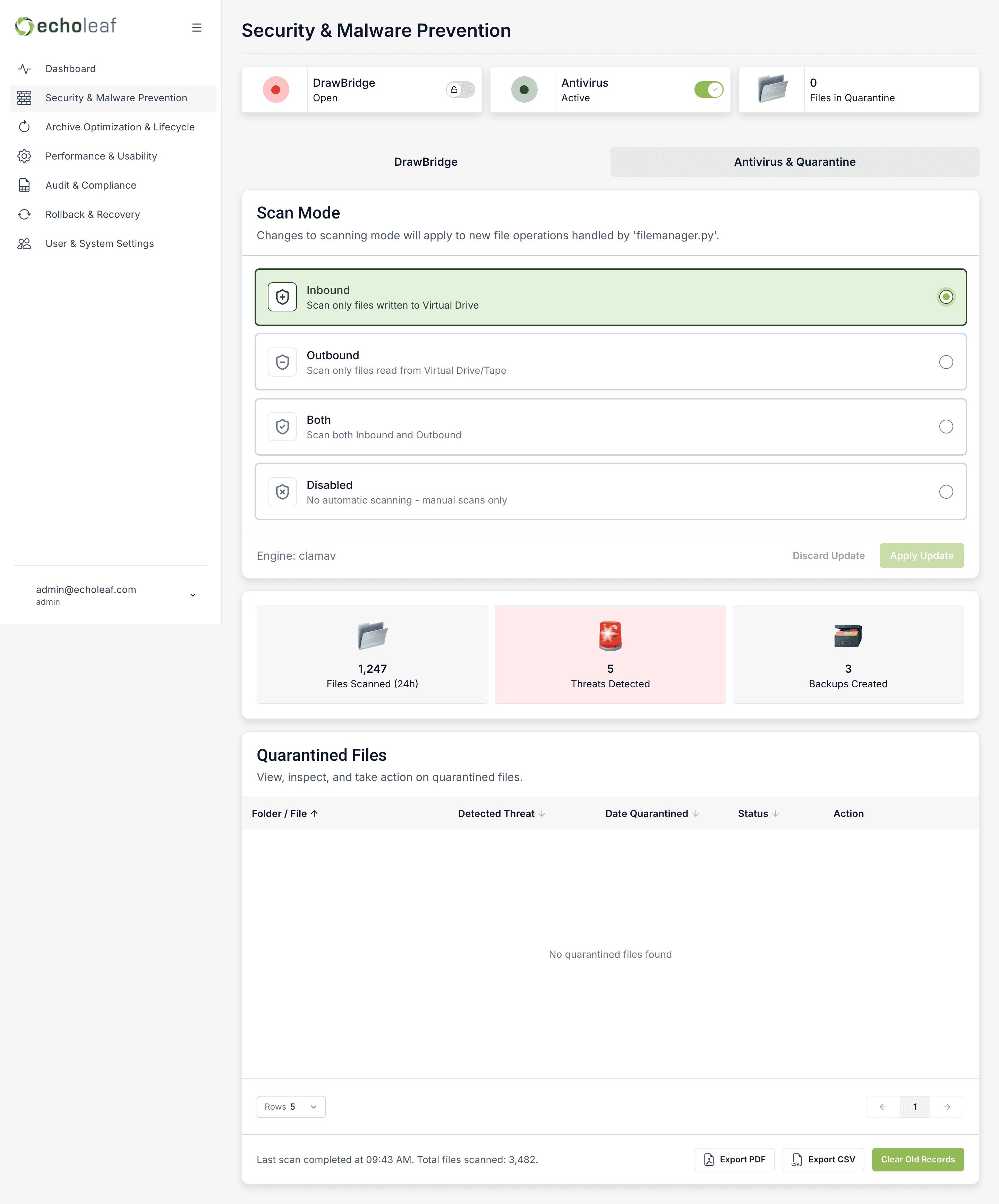
The Security module within EchoLeaf Sentry™ gives operators real-time visibility into Dynamic Shield (Drawbridge) status, Guardian Scan activity, and quarantine management. Around the clock, Sentry monitors the controls that keep recovery data clean before it's ever needed.
Security & Malware Defense
See Security & Malware Defense in EchoLeaf Sentry™
The Security module within EchoLeaf Sentry™ gives operators real-time visibility into Dynamic Shield (Drawbridge) status, Guardian Scan activity, and quarantine management. Around the clock, Sentry monitors the controls that keep recovery data clean before it's ever needed.
Use Cases
Validate backups before vaulting
Ensure that data coming from Veeam, Cohesity, Commvault, or other platforms is scanned and vetted before it becomes part of your long‑term archive.
Validate backups before vaulting
Ensure that data coming from Veeam, Cohesity, Commvault, or other platforms is scanned and vetted before it becomes part of your long‑term archive.
Prevent re‑infection during restore
Use Guardian Scan and Restore to Quarantine Area to catch and isolate malicious files before they reach your clean infrastructure.
Prevent re‑infection during restore
Use Guardian Scan and Restore to Quarantine Area to catch and isolate malicious files before they reach your clean infrastructure.
Run cleanroom tests and investigations
Restore workloads into an isolated quarantine environment to validate that recovery points are safe before reconnecting them to production or critical networks.
Run cleanroom tests and investigations
Restore workloads into an isolated quarantine environment to validate that recovery points are safe before reconnecting them to production or critical networks.
Explore Insights
Stay informed with the latest from EchoLeaf.



Post-Breach Cyber Resilience
Built for the moment recovery matters most
See how physically air-gapped recovery changes what’s possible after a breach.
Post-Breach Cyber Resilience
Built for the moment recovery matters most
See how physically air-gapped recovery changes what’s possible after a breach.
Post-Breach Cyber Resilience
Built for the moment recovery matters most
See how physically air-gapped recovery changes what’s possible after a breach.